Turn every app you’ve shipped into traffic for the next one
Paste one line on each app you ship. Every visitor is now one tap from everything else you’ve built.
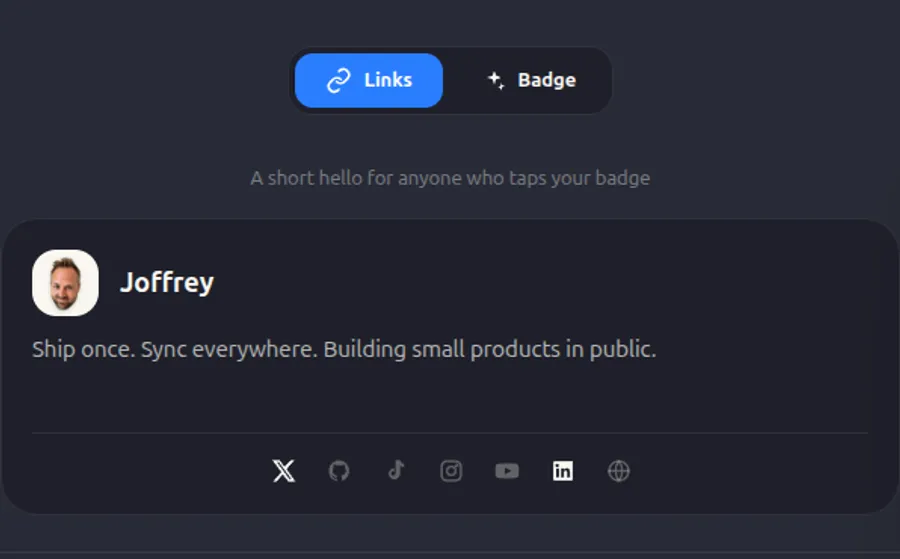
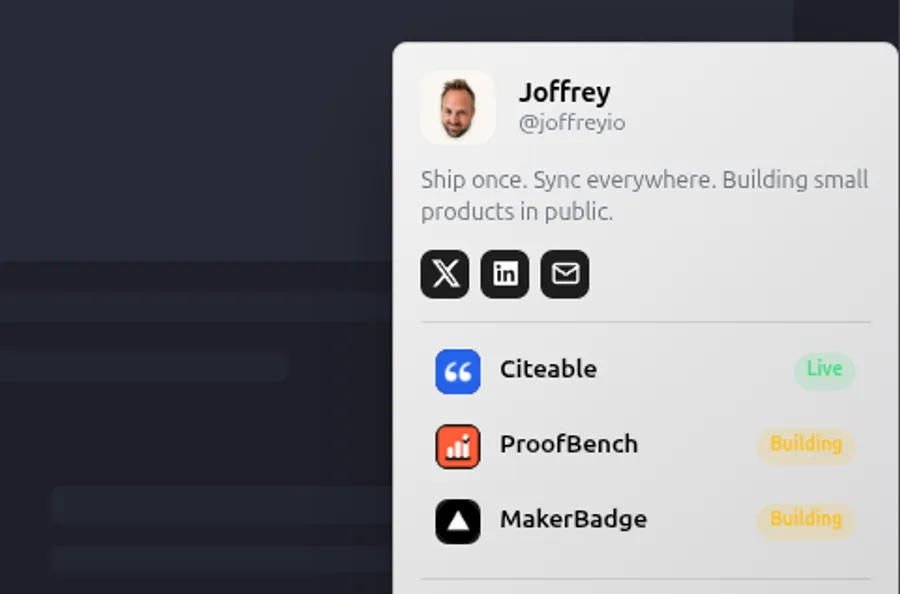
 Built in public by @joffreyioThis page runs the badge itself — scroll, then tap the one in the corner.tap the one in the corner.
Badge
Position
Which corner it sits in.
Label
Wording before your handle.
Icon
Nothing, or your photo.
Photo
Your avatar image.
 Your photo
Shape
Pill, rounded, or docked in the corner.
Style
Theme
A ready-made palette — or your own hex, with Pro.
Font
Typeface for the dropdown text.
Social icons
Real brand colours, or your badge colour.
Branding
MakerBadge footer
Show “Made with MakerBadge” in the panel.
News
MakerBadge is now part of MakerProfit
Same badge, set up from MakerProfit — next to what each of your projects earns, costs and keeps. Already have a badge? It keeps running on your sites, and you still log in here.
How it works
One badge, live everywhere in 3 steps
 1
11. Grab your username
Claim @you and build your maker hub — every app you’ve shipped, your socials, your links.
<script src="https://makerbadge.com/badge.js" data-user="you" async></script>
2. Drop the badge
Paste one line on each app. About a minute per site.
 3
33. Update once, sync everywhere
Ship something new? Add one row — every badge you’ve placed updates itself, instantly.
Why it matters
Every launch dies in a day. Then what?
You post it. It spikes. Two days later the traffic is gone and the app is invisible again — and you start the next one from zero.
Meanwhile you’ve already shipped three, five, nine other things. Nobody who lands on one of them knows the others exist. Each app lives alone, and the traffic never crosses over.
A footer link here, a tweet there… but does any of it actually send people to your other apps?
It should. Every visitor you already earned is one tap from your next launch — the moment your apps are connected.
The badge
One line of code. Your style.
Corner or inline, pill or square, light or dark, your photo or none. Every badge below is the same script — different settings.
Features
One badge that works for you
Look as prolific as you really are.
One badge on every app you ship — tap it and people see everything you’ve built, not the one page they happened to land on.
Never hand-edit a link again.
New launch, new link, new avatar? Change it once. Every badge on every site updates itself — no redeploys, no chasing footers.

Hey, fellow maker — Joffrey here, from France 🇫🇷
I’m the maker of MakerBadge. Like you, I ship small apps — and the hard part was never building. It’s that nobody knows the other things you’ve made.
So I built MakerBadge for 3 reasons:
- 1. Turn every app into a doorway to all the others.
- 2. Change your links once — every badge updates itself, everywhere.
- 3. Make your next launch promote every launch before it.
It’s free, and I’m building it in the open in front of @joffreyio. Let’s ship! 🚀
Pricing
The badge is free on every MakerProfit plan
MakerBadge is now part of MakerProfit. Pick a plan there — the badge comes with it.
See MakerProfit pricingFAQ
Good questions
- Yes — free forever, no card. The Free plan covers up to 3 startup links, the 24 ready-made badge palettes, and a small "Made with MakerBadge" footer. Pro is a single one-time payment of $19 USD, tax included — Stripe offers to charge you in your own currency at checkout — not a subscription, no recurring charge ever — and it unlocks unlimited links, your own hex colours, custom shapes and fonts, and removes that branding.
- Paste one line of HTML anywhere on your page — that's the whole install. It works on any site or framework, and takes about a minute per site. No build step, no package, nothing to configure.
- It's optional, and it's the half search engines can read. The badge is drawn by JavaScript, which most crawlers never run — so without that one line of HTML, nothing on your page connects it to your hub. Keep it and every site you badge points back at your hub; style it to match your footer, just don't hide it, since a hidden link counts for nothing.
- It's your public page listing everything you've shipped — your apps, startups and side projects, plus your socials. Every badge you place links back to it, so one tap shows a visitor all your other projects and lets them follow you.
- Add one row in your dashboard and hit Deploy. Every badge you've already placed picks it up within a minute — no code changes, no redeploys, no chasing footers.
- Yes. Pick the corner, label, photo and a ready-made palette on any plan; Pro adds your own hex colours, custom shapes and fonts. One deploy updates every badge you've placed.
- Neither. It's a tiny snippet that loads asynchronously, so it never blocks your page. And it's essentially a link to your public hub — no cookies, no sign-up wall, nothing your visitors have to accept. No traffic limits either.
- Your avatar, name, links and colors — anytime in the dashboard, and every badge you've placed picks up the change within a minute. Your username is your badge's permanent URL, so choose it carefully: it can't be changed once claimed.
- Tap any Pro feature in your dashboard and hit "Go Pro" — pay once by card, and Pro unlocks the moment the payment goes through. If it isn't for you, just email me and I'll sort out a refund, no drama.
- One maker — Joffrey (@joffreyio), building it in public. Ping me on X for a question or a feature request.
